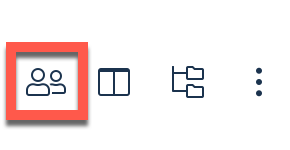
You can choose which user's or users' orders to view on the Dashboard screen. To choose whose orders to view, click the Select User icon to the right of the Search bar:
You must first deselect All Users. Click the selected checkbox:

Select one or more users below by clicking the corresponding checkbox(es):
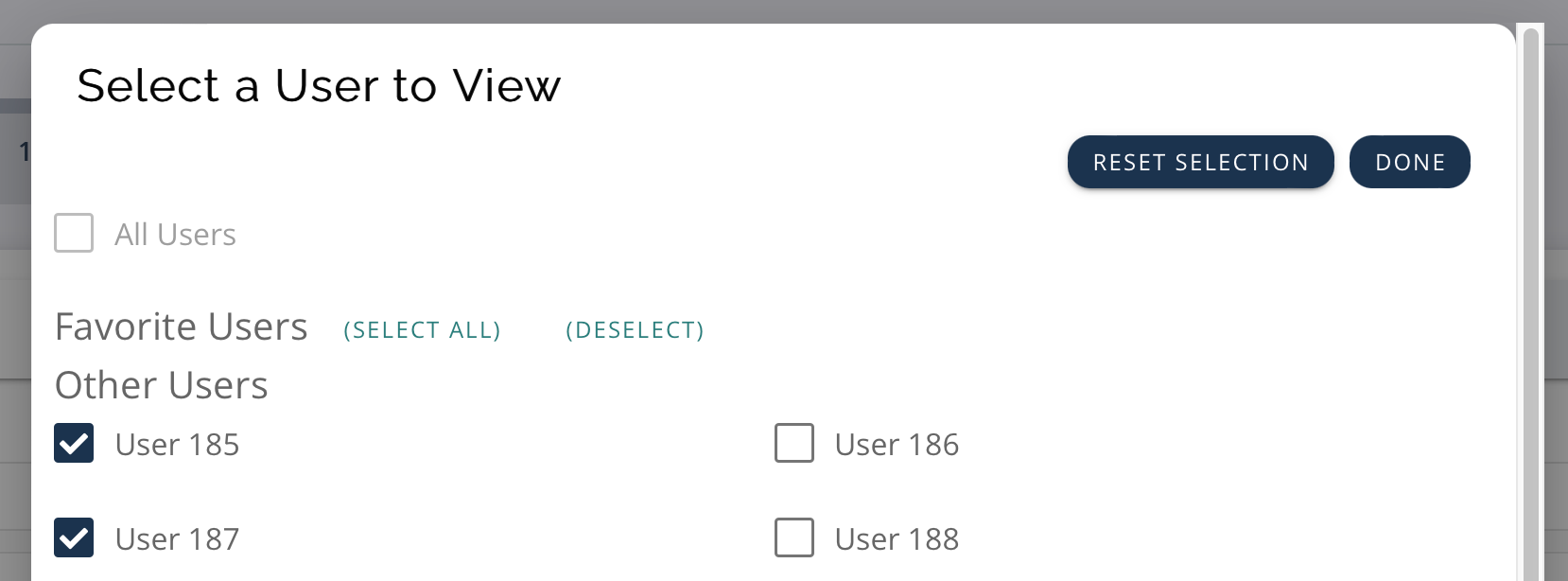
Click the Done button:

Now only the selected users' orders display in the Dashboard Order Table.
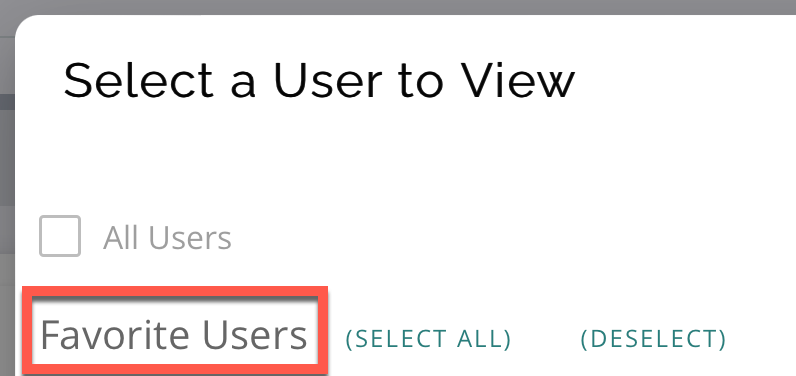
You can select Favorite Users for easy access to user orders. These users will appear at the top of the Select a User to View panel (from the Select User icon to the right of the Search bar). The selected users display under the Favorite Users section:
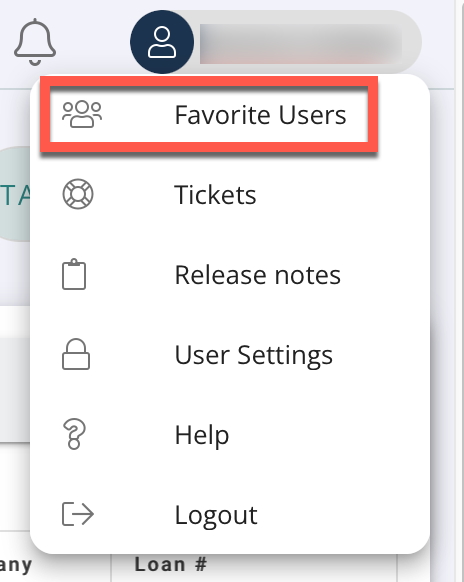
To select your favorite users, click your Profile icon in the top right:
Click Favorite Users:
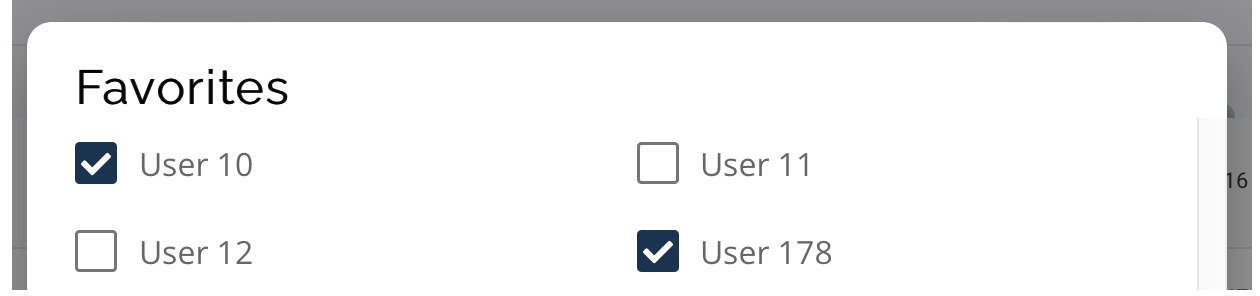
Select or deselect users using the checkboxes in the Favorites panel:
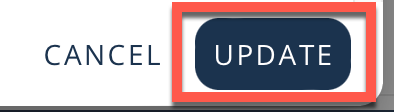
Click the Update button at the bottom of the panel:
To view or utilize your favorite users, click the Select Users icon to the right of the Search bar: