
There are two main ways to search for orders: the Search bar on the Dashboard screen or the Search screen on the left Nav bar.
You can search for an order using the Search bar near the top of the Dashboard screen:
Click All to expand the drop-down menu:
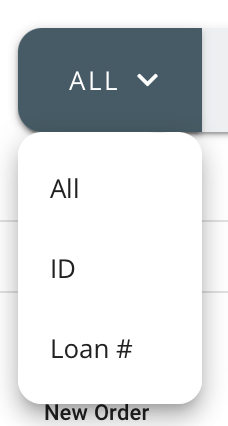
Optionally, you can search by All, order ID or Loan #.
Click the Search option on the left Nav bar:
On the Search screen, use any of the Advanced Search criteria on left side bar to search for orders:
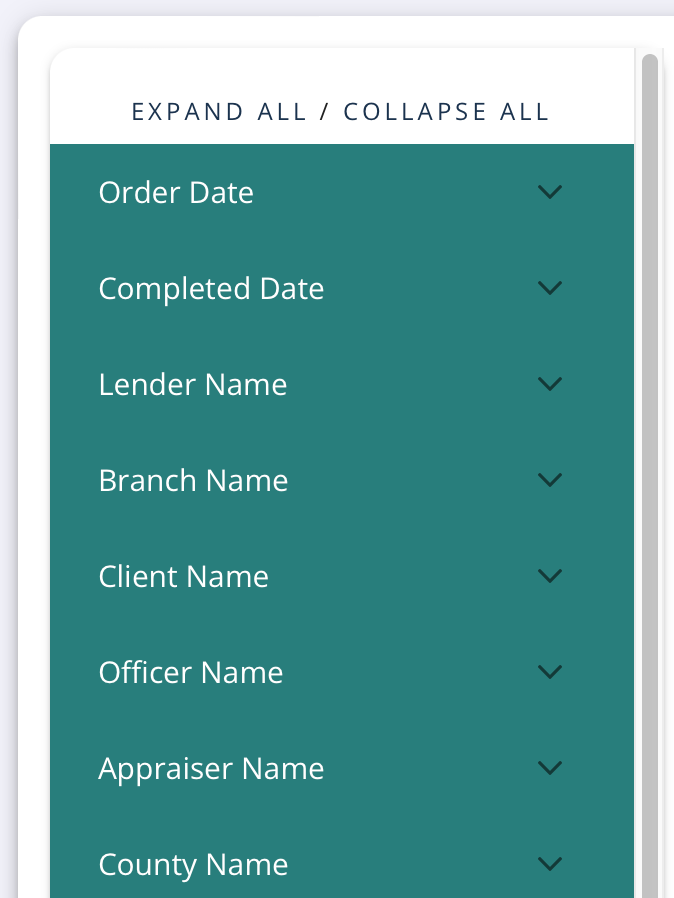
You can also use the Search bar:

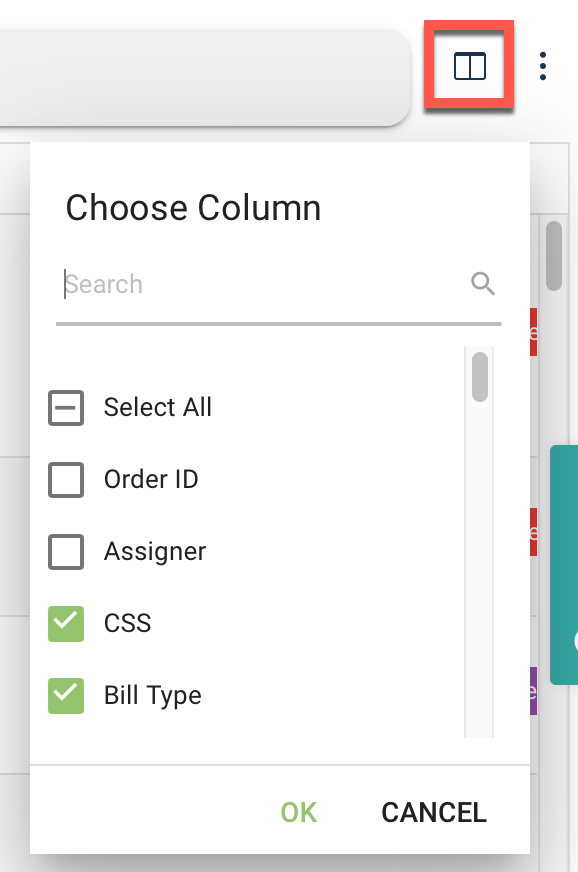
Use the Choose Columns icon to filter which order information displays:
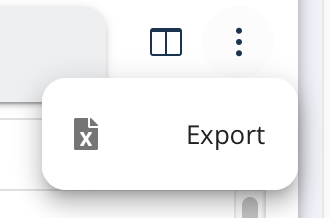
Use the three dot menu to Export the orders displayed:
See Also: Dashboard Introduction