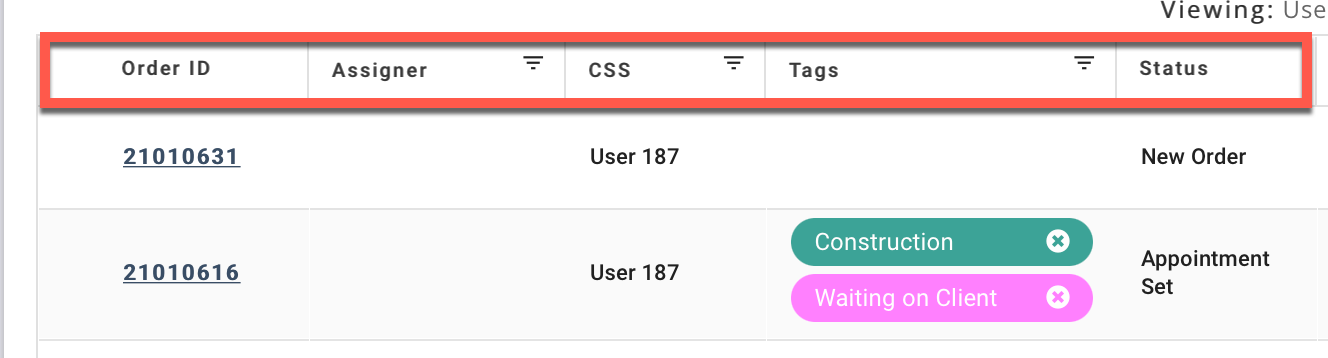
You can filter the orders on the Dashboard Order Table using column filters or the Status Filter.
Click the heading of the desired column:
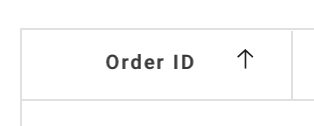
Some columns sort in ascending or descending order:
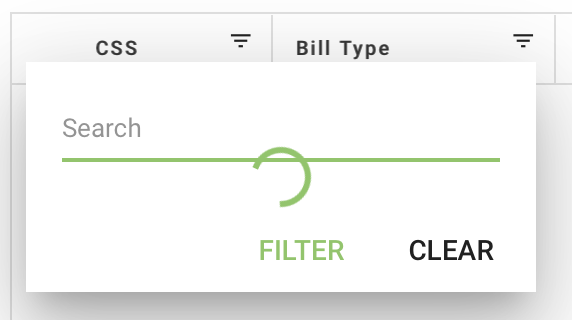
Others display a Search filter:
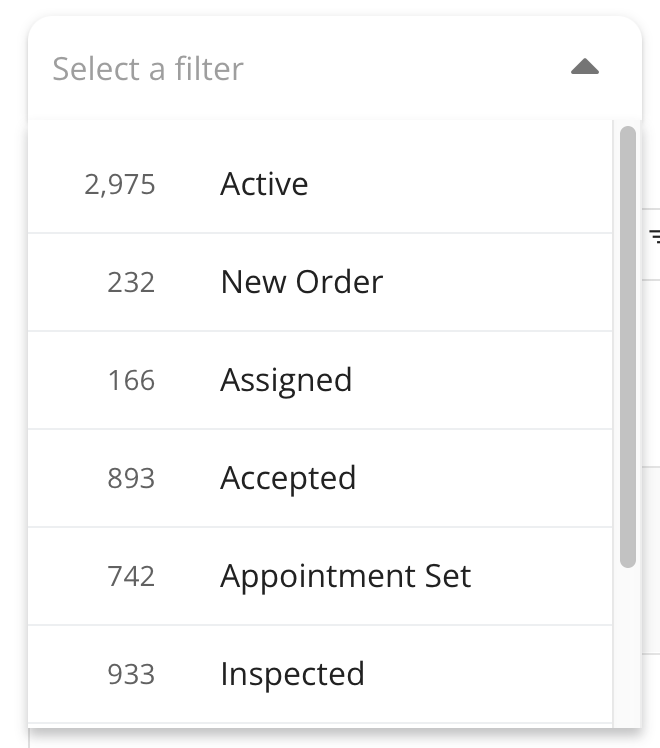
You can filter by order status using the Status Filter. Click the drop-down to the left of the Search bar:
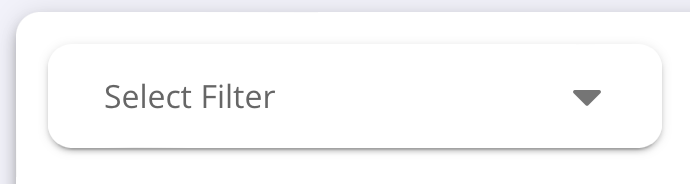
Select from one of the many options including Active, New Order, Assigned, Accepted, and more:
The filtered orders display in the Order Table.
See Also: Order Table