You can customize the information shown in the Order Table. To the right of the Search bar, there are three icons and a three dot menu. Click the Column icon:
The Choose Column drop-down menu allows you to select the columns you will see in the Order Table:
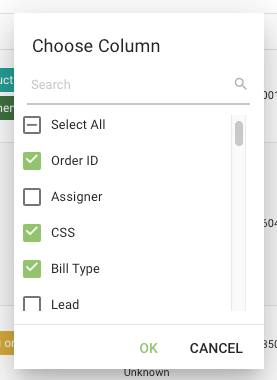
You can select them manually or search using the Search filter.
To save these settings, click the three dot menu:
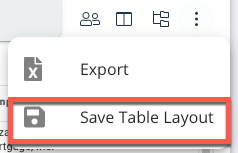
Select Save Table Layout:
A green box which reads "Table Saved Successfully" displays.
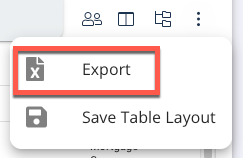
You can export your Order Table Layout to a Microsoft Excel spreadsheet. Click the three dot menu:
Select Export:
See Also: Dashboard Introduction, Order Table